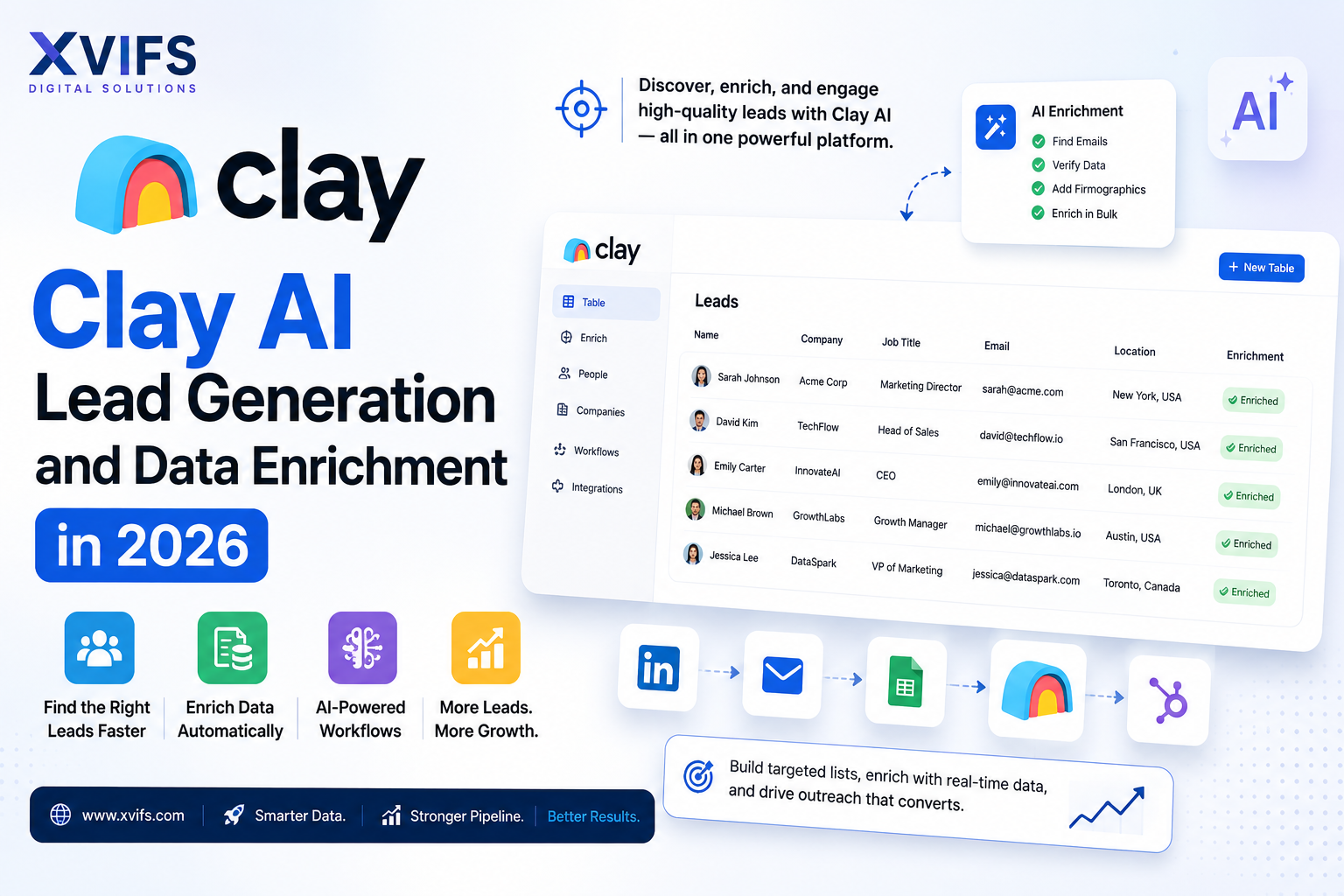
Clay AI Lead Generation and Data Enrichment in 2026
Introduction
In the fast-paced world of B2B sales and marketing, the era of manual prospecting is officially over. As we move through 2026, the gap between businesses that scale and those that struggle is defined by their ability to leverage automation. Enter Clay, a platform that has fundamentally changed how companies find, research, and contact potential customers.
For years, sales teams were forced to bounce between LinkedIn, web scrapers, and expensive data providers like ZoomInfo or Apollo, manually stitching together spreadsheets. This process was not only slow but prone to human error. Clay solves this by acting as a data orchestration layer—a powerful ‘spreadsheet on steroids’ that connects over 75 different data sources and uses built-in AI to execute complex research tasks in seconds.
Whether you are a solo founder trying to land your first ten enterprise clients or an agency looking to automate outreach for dozens of brands, this guide will provide a deep dive into how to master Clay for lead generation and business growth.
Small businesses looking beyond customer support can also explore our best AI tools for small businesses guide for productivity, marketing, sales, and everyday operations.
What is Clay?
At its core, Clay is a data enrichment and sales automation tool that looks and feels like a spreadsheet but functions like a sophisticated software engineering environment. It allows users to pull in lists of people or companies and then ‘enrich’ that data using an incredibly wide array of sources.
What makes Clay unique is its waterfall logic. Instead of relying on a single database, Clay can check Source A (e.g., Apollo), and if the data is missing, automatically check Source B (e.g., Hunter.io), then Source C (e.g., Findymail). This ensures the highest possible data coverage and accuracy.
Furthermore, Clay integrates directly with OpenAI, Anthropic, and its own proprietary AI agent, Claygent, allowing you to perform web research that previously required a human. For example, you can tell Clay: “Visit this person’s LinkedIn profile, find their latest post, and summarize their main career achievement in one sentence.”
If increasing revenue and improving your sales workflow is the priority, explore our best AI sales tools guide for more AI-powered sales and automation solutions.
Key Features
Clay is packed with features designed to eliminate the ‘grunt work’ of sales development. Here are the standout capabilities available in 2026:
- 75+ Native Enrichments: Access data from LinkedIn, Google Maps, GitHub, specialized B2B databases, and more without leaving the platform.
- Claygent (AI Web Agent): An AI-powered research assistant that can browse the live web, read articles, visit company ‘About Us’ pages, and extract specific information.
- Data Waterfalls: A sequence-based search system that maximizes the chances of finding valid work emails and phone numbers.
- AI Messaging: Use enriched data to write hyper-personalized email opening lines or full sequences based on real-time triggers (like a recent promotion or a new product launch).
- Chrome Extension: Scrape lists directly from LinkedIn Sales Navigator or company websites and push them instantly into a Clay table.
- Native Integrations: Seamlessly sync your enriched leads with CRMs like Salesforce, HubSpot, and Pipedrive, or sending tools like Instantly and Smartlead. Learn how Clay AI Lead Generation and data enrichment automate prospecting, verify contacts, and help businesses generate more qualified leads in 2026.
Businesses focused on finding and enriching potential customers can also explore our Clay AI lead generation guide for a practical look at AI-powered prospecting.
Who Should Use It?
Clay is not just for tech startups; it is a versatile tool for anyone whose business relies on outbound growth.
| User Type | Primary Use Case |
|---|---|
| Startup Founders | Automating initial outbound to find product-market fit without hiring a full sales team. |
| Sales Dev Reps (SDRs) | Eliminating manual data entry and spending more time on high-level strategy and calls. |
| Growth Marketers | Building highly targeted audiences for account-based marketing (ABM) campaigns. |
| Recruiters | Finding specialized talent by scraping niche platforms and verifying contact details. |
| Lead Gen Agencies | Scaling client results by delivering high-volume, hyper-personalized outreach. |
Pricing
Clay offers a tiered pricing structure that scales with your data usage. While it is a premium tool, the ROI often justifies the cost by replacing multiple separate subscriptions and dozens of hours of manual labor.
- Free Tier: Ideal for testing. Includes 100 credits per month and basic access to enrichments.
- Starter ($149/mo): Best for individuals. Includes 2,000 credits and access to most data providers.
- Explorer ($349/mo): The sweet spot for growing teams. Includes 10,000 credits and more advanced AI features.
- Pro ($599/mo): For power users needing 50,000+ credits and priority support.
- Enterprise: Custom pricing for large organizations requiring SSO, advanced security, and unlimited scaling.
Note: Credits are consumed based on the complexity of the enrichment. A simple email find might cost 1 credit, while an AI-powered web scrape (Claygent) might cost more.
Pros
- Unmatched Data Accuracy: The waterfall method ensures you get the most up-to-date contact info.
- Massive Time Savings: Tasks that took hours now take minutes.
- Flexibility: If you can think of a research logic, you can probably build it in Clay.
- High Deliverability: By using verified emails, your sender reputation remains high.
- Constant Innovation: Clay frequently adds new providers and AI capabilities.
Cons
- Learning Curve: The interface can be intimidating for absolute beginners.
- Cost: It is more expensive than basic scraping tools.
- Credit Management: You have to be careful with AI prompts to avoid burning through credits quickly
Once prospects become customers, AI can also streamline service and engagement; see our AI tools for customer support guide for practical support automation solutions.
Step-by-Step Tutorial: Building Your First AI Lead Engine
Follow these steps to build a simple but powerful workflow that finds CEOs of SaaS companies and writes a personalized compliment about their recent news.
Step 1: Import Your Leads
Start by importing a list. You can upload a CSV, or better yet, use the Clay Chrome extension on LinkedIn Sales Navigator. Search for “CEO” in the “Software Development” industry and click “Add to Clay.”
Step 2: Enrich Company Data
Once your leads are in a table, click the “+” column and select “Enrich Company.” Use the LinkedIn URL to pull in the company’s website, head count, and description. This gives the AI context for who they are.
Step 3: Use Claygent for Research
Now for the magic. Create a new column using Claygent. Give it this prompt:
"Visit the company website [Company Website] and find their most recent blog post or press release. Summarize the main topic in 10 words or less."
Step 4: Find the Verified Email
Add a “Waterfall” enrichment for Work Email. Select providers like Hunter, Apollo, and Dropcontact. Clay will run them in order until a valid email is found.
Step 5: Generate the Personalized Opening Line
Create a column using the GPT-4o integration. Use the summary from Step 3 as an input. Prompt:
"Using this news: [Summary], write a professional and casual opening sentence for an email to the CEO. It should sound human and appreciative. Do not use corporate jargon."
Step 6: Export to Your Sending Tool
Once you have a list of names, verified emails, and personalized lines, click ‘Export’ and send the data directly to Smartlead or Instantly to start your campaign.
Best Use Cases
How are leading companies using Clay in 2026? Here are three high-impact workflows:
- The “Hiring” Trigger: Find companies that just posted a job listing for a “Head of Sales.” Use Clay to find the CEO and send an email offering sales consulting services to help them scale while they look for a full-time hire.
- The Technology Switch: Use BuiltWith enrichment in Clay to find companies that recently stopped using a competitor’s software. Reach out immediately with a “switch and save” offer.
- Podcast Guesting: Identify top podcasts in your niche, use Clay to find the producer’s email, and have AI summarize the last three episodes to prove you’ve actually listened.
Tips & Best Practices
- Start Small: Don’t try to build a 20-step waterfall on day one. Master the basic email find first.
- Monitor Credit Usage: Use the “Preview” feature in AI columns to ensure your prompt works before running it on 1,000 rows.
- Human-in-the-Loop: For high-value enterprise leads, always add a manual review step in Clay before exporting to your CRM.
- Clean Your Inputs: Use the “Clean Company Name” function to change “Apple Inc.” to “Apple” for more natural-sounding emails.
- Leverage Templates: Explore the Clay library for pre-built workflows created by top growth experts.
For teams also evaluating general-purpose AI assistants for research, writing, and business tasks, our ChatGPT vs Claude comparison explains how the two platforms differ.
Frequently Asked Questions
1. Is Clay a CRM?
No, Clay is a data orchestration and enrichment platform. It is designed to work alongside your CRM (like HubSpot) by feeding it high-quality, enriched data.
2. How much do credits cost?
Credits are included in your monthly subscription. Additional credits can be purchased if you exceed your limit. Costs vary by plan but generally range from $0.01 to $0.07 per credit.
3. Does Clay work with LinkedIn?
Yes, Clay has one of the best LinkedIn integrations on the market, allowing you to pull data from profiles, search results, and Sales Navigator lists.
4. Can I find personal phone numbers?
Yes, Clay offers enrichments from providers like Datagma and PeopleDataLabs that can find mobile numbers, though availability depends on the region and person.
5. Is Clay beginner-friendly?
Clay has a learning curve, but they offer “Clay University,” a series of tutorials that help beginners get up to speed quickly.
6. How is Clay different from Apollo.io?
Apollo is a database. Clay is a platform that can use Apollo’s database, plus 75 others, while adding AI research layers that Apollo doesn’t have.
7. Can Clay help with SEO?
Indirectly, yes. You can use Clay to find backlink opportunities, research journalists, and automate outreach to website owners.
8. Does Clay support GPT-4?
Yes, Clay supports GPT-4, GPT-4o, and various Claude models from Anthropic for advanced AI reasoning tasks.
9. Is my data secure in Clay?
Clay is SOC2 Type II compliant and takes data security seriously, making it suitable for enterprise use.
10. Can I automate Clay workflows?
Absolutely. You can set up triggers (like a new lead in a Google Sheet) to automatically start a Clay enrichment workflow.
Final Verdict
Clay is arguably the most powerful tool in the modern salesperson’s tech stack. By 2026, the ability to personalize outreach at scale is no longer a luxury—it is a requirement for survival. While the price point and learning curve may be a barrier for some, the ability to replace manual research with AI-driven logic provides a competitive advantage that is hard to overstate.
If you are serious about outbound growth and want to move away from generic, low-response “spray and pray” tactics, Clay is the solution. It allows you to be more human by using AI to handle the non-human parts of the job.https://www.clay.com/
Recommendation: Start with the Free or Starter plan, run a small experiment with 100 leads, and witness the difference in data quality and response rates for yourself.